


Downloadable vocabulary: Access Happens
Access Happens
Kids and young adults
Access happens is a page set designed for individuals to practice using their device or enjoy fun activities while learning a new access method. If used during an assessment, Access Happens will guide you towards a better understanding of how an individual does with different access methods and numbers of buttons on the page
Read below for more information on the different activities. Fill out the form to the right to download the pages!
Download the Vocabulary Set for Grid 3
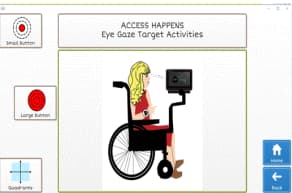
EyeGaze Practice
Provides activities to determine if the individual is more accurate with small or large buttons. The “quadrants” activity allows you to assess the accuracy in the different areas of the screen.
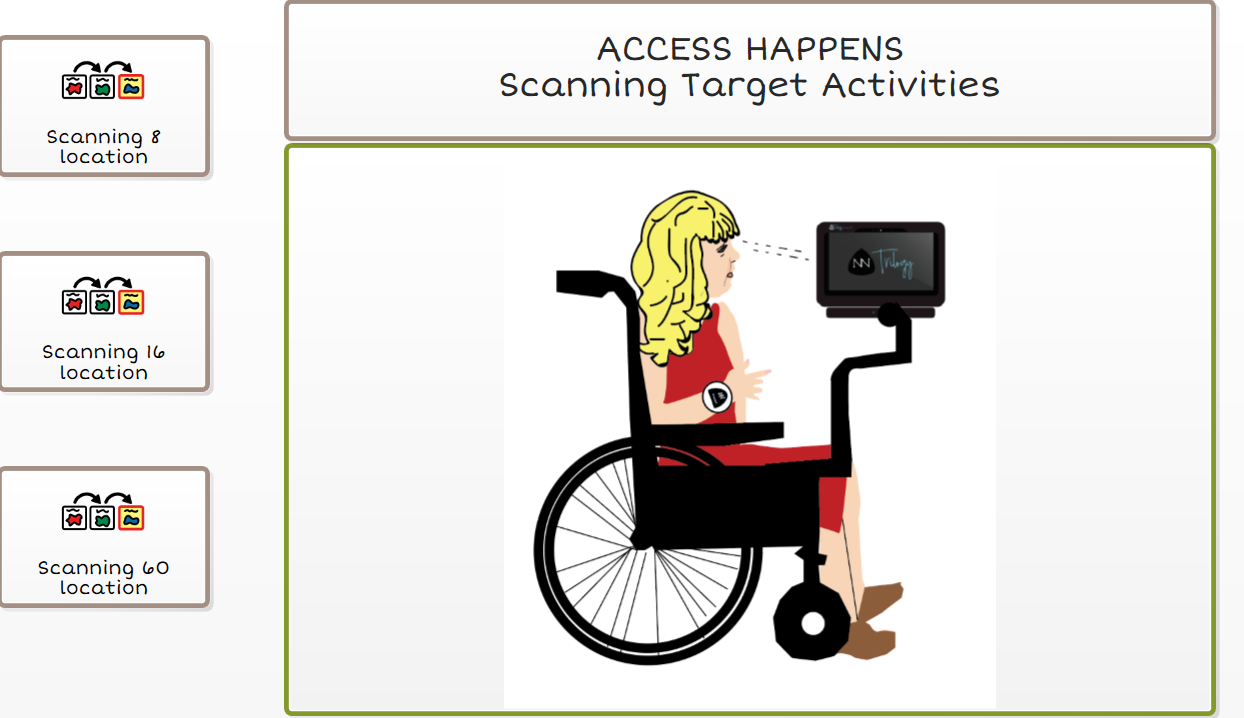
Scanning Practice
Provides pages with 8, 16, 60 Buttons per page . It is not a complete page set but rather simplified pages to support learning scanning.
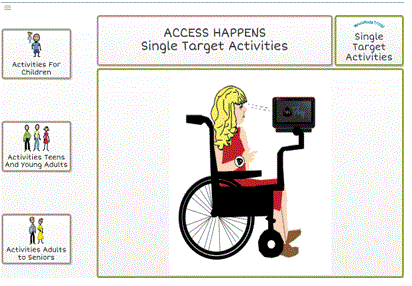
Single, Multi, and Full-Page Targets
These activities, divided by age level, allow individuals to select from either one button, multiple buttons, or a full page of buttons per page. They support making accurate selections and discriminating between different symbols.
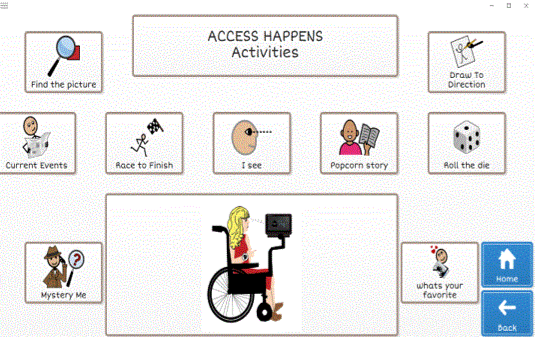
Fun Activities
The Fun page provides suggestions of games, activities , or topics of conversations. Rather than providing specific vocabulary, they are deigned to be used with existing vocabulary that are part of the Grid 3 software.
About the Creator of this Page Set
Belva Holman, B.A. ED., ATP/ATACP, created these pages while employed as the Clinical Support Specialist & Regional Consultant at Control Bionics. She has years of experience working in special education and product development and is passionate about helping clients customize vocabulary and better use their devices.
Feedback
Have feedback about these pages? Let us know you thoughts, we’re constantly looking to improve our offerings to our users.